
When using the JavaScript library, you'll often need to provide mapdata and/or mapboard IDs.
These are the keys to access the data you've uploaded on Youmaps from our JavaScript library.
Follow the tutorials below to learn how to get those from Youmaps Engine.
Retrieving a mapboard ID
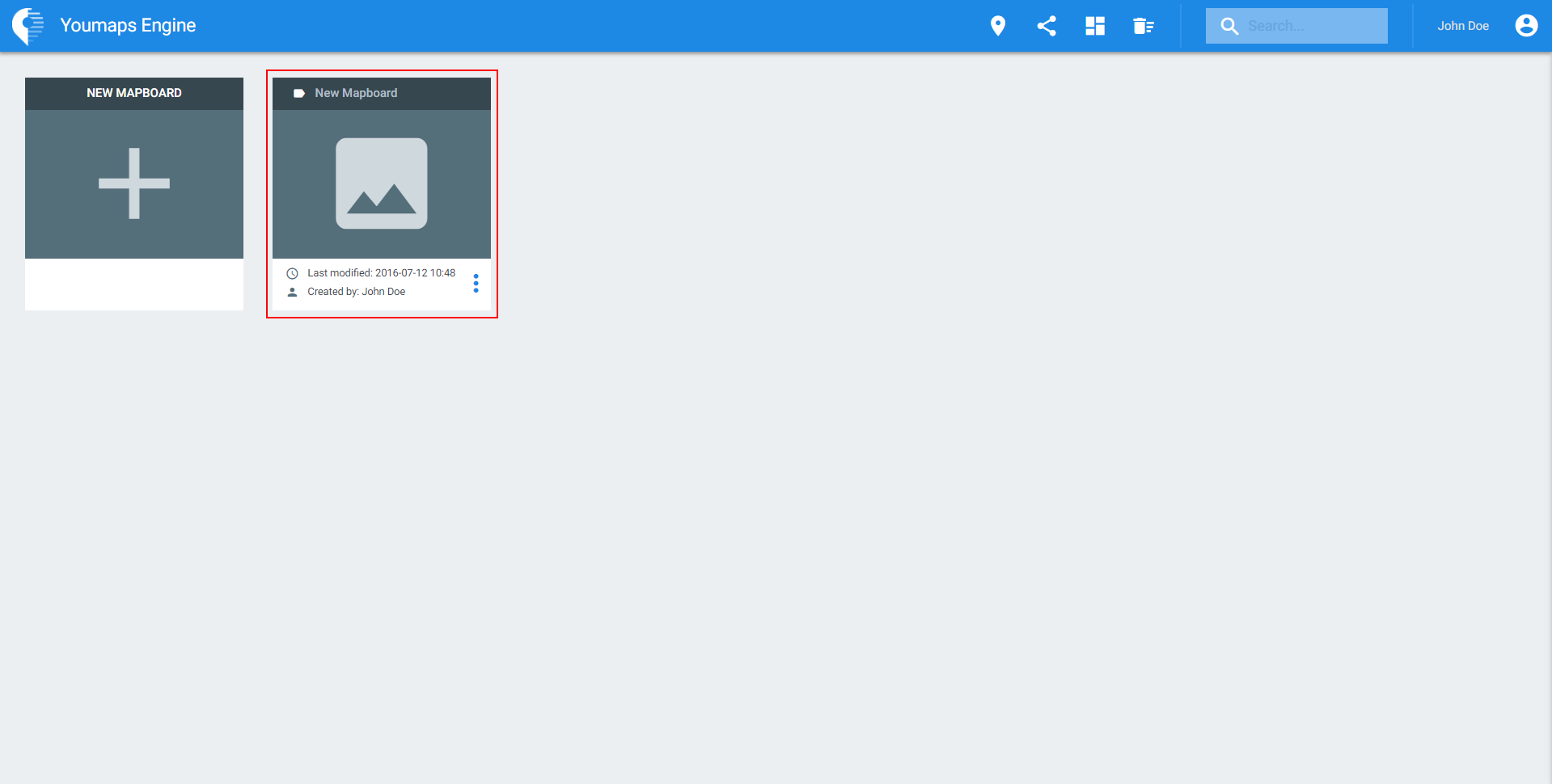
To retrieve a mapboard ID, all you need to do is login on Youmaps with your account credentials and open the mapboard of your choice.
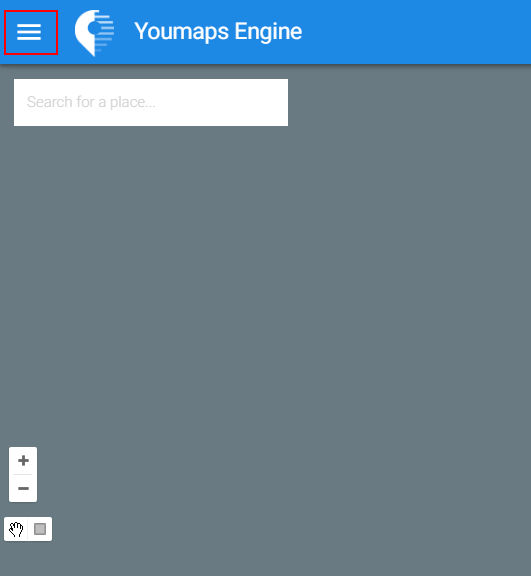
Once your mapboard is open, open the sidebar by clicking on the icon shown below.
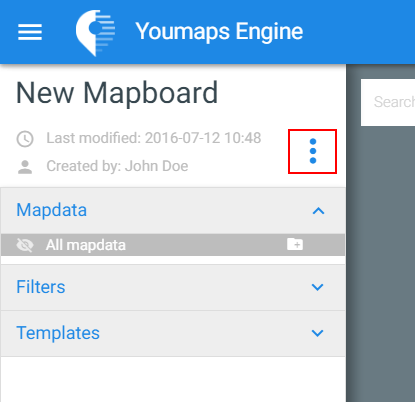
Now click on the little icon next to the last modification date and mapboard owner name.
This will open a small pane with a couple details regarding your mapboard.
Your mapboard ID should be displayed inside this pane.
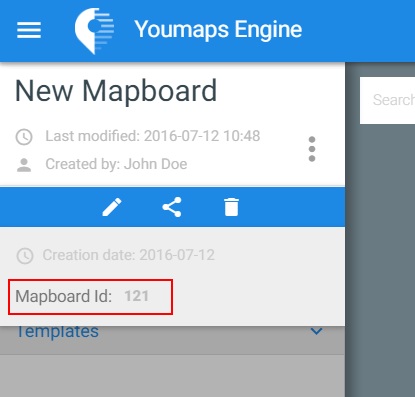
You can now use this ID to get the mapboard using the JavaScript library and retrieve/display its mapdata.
Retrieving a mapdata ID
In order to retrieve a mapdata ID, you'll need to access the configuration menu of your mapdata.
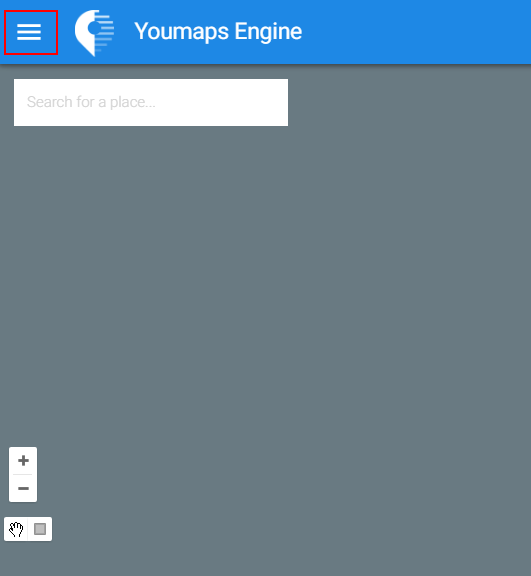
To access this menu, open the mapboard of your choice then open the sidebar on your left by clicking on the menu icon.
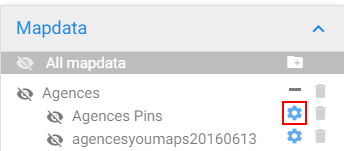
Once the sidebar is open, locate your mapdata in the Mapdata tab and click on its configuration icon.
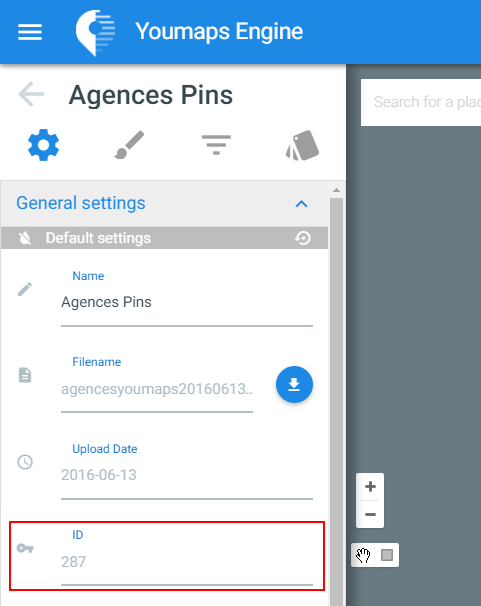
All the general settings of your mapdata are now displayed in the sidebar.
Amongst them, you'll find its mapdata ID.
You can now use this ID to get the mapdata using the JavaScript library and display it on your map.